
Einleitung
"Should we post the role on its own or set up a campaign?" We hear this question at Kini all the time. The answer depends heavily on how many open roles you have, how urgently they need to be filled and how much budget is available.
This guide clears things up. What do a free ad, Premium and Premium Plus mean on Indeed, how does a single posting differ from a campaign, and when is each one worth it? It is written for anyone at a mid-sized company (the German Mittelstand) or in a smaller team who decides on their own recruiting budget. Unlike the first version of this article, it does not lean on rough estimates. It relies on what Indeed itself documents in its employer help pages.
TL;DR
- In Germany, Indeed has three tiers: the free ad, the Premium job ad (Premium-Stellenanzeige, Premium for short) and the Premium Plus job ad (Premium-Stellenanzeige Plus, Premium Plus for short) (de.indeed.com, 16 Jul 2026).
- Free ads lose visibility quickly, because around 9.2 million new jobs are posted on Indeed every month (de.indeed.com, 16 Jul 2026).
- Premium buys paid visibility in search results and job alerts. Premium Plus adds automatic candidate and location targeting, plus optional Matched Candidates, branding and an "Urgently Hiring" label (indeed.com/help).
- Indeed does not name a fixed daily budget for each tier. It suggests an individual budget per job, based on comparable ads in the same location.
- Campaigns group several Premium ads and let you set a budget for each one. If you add jobs to a running campaign or remove them, the remaining budget is redistributed across all active ads (de.indeed.com, 29 Apr 2026).
- Depending on the budget you choose, you are billed either per click (daily budget) or per started application (monthly budget) (indeed.com/hire, 19 Aug 2026).
Which visibility tiers does Indeed offer?
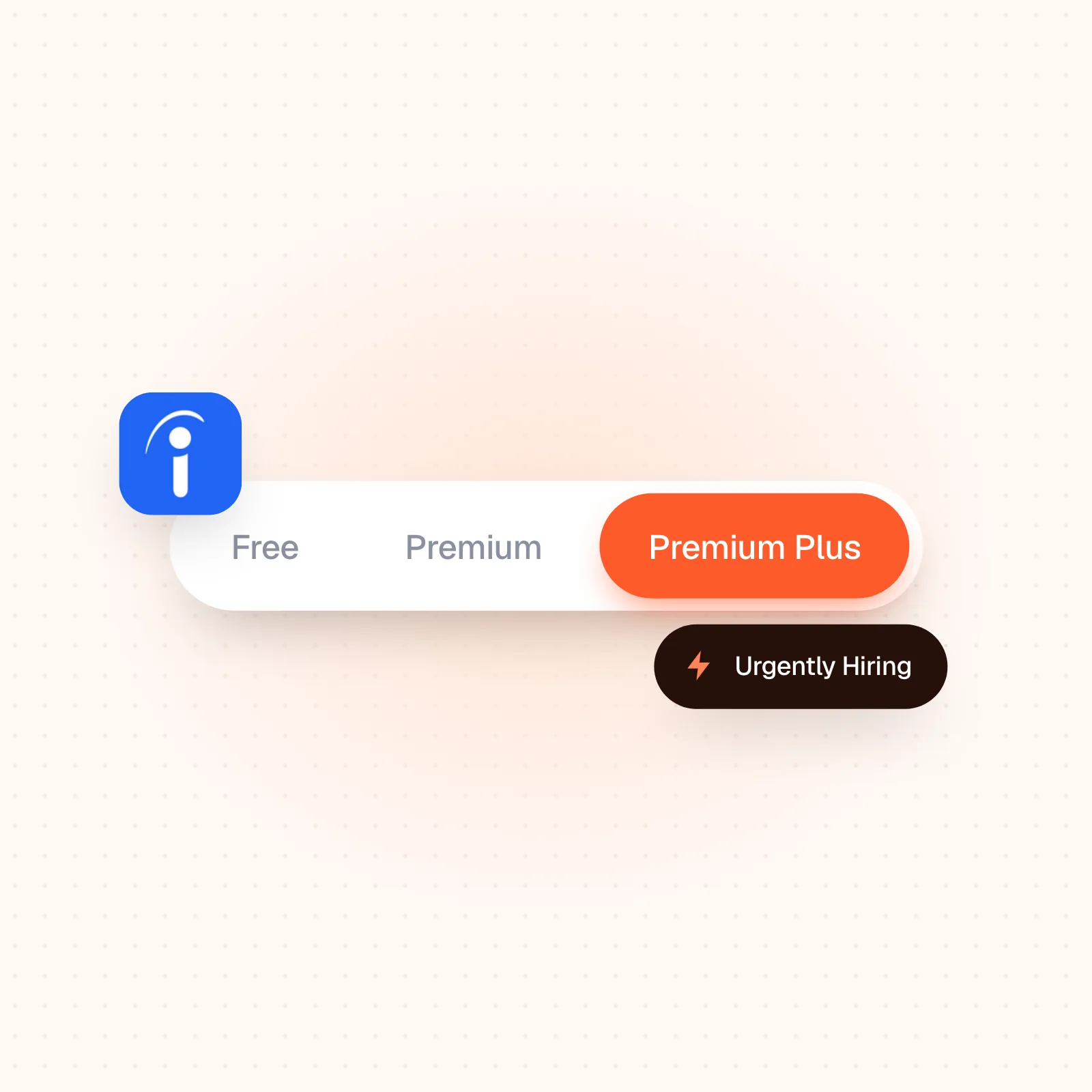
Every job ad on Indeed starts out free. From there, Indeed's German pages list two paid tiers: the Premium job ad (Premium-Stellenanzeige, "Premium" for short in this article) and the Premium Plus job ad (Premium-Stellenanzeige Plus, "Premium Plus" for short). Indeed's English pages describe the same two tiers as the Standard Sponsored Job and the Premium Sponsored Job. Keep that naming gap in mind when you compare Indeed's German and English help pages: an English "Premium" ad corresponds to Premium Plus in Germany. This article describes Indeed's offer in Germany and uses the tier names from Indeed's German pages.
| Tier | What you get | Source |
|---|---|---|
| Free ad | Visible for up to 30 days, then pushed out by newer jobs; up to three per calendar month | de.indeed.com |
| Premium (English pages: Standard Sponsored Job) | Paid visibility in search results and job alerts; shown on Indeed's homepage to job seekers who searched for similar jobs | indeed.com/hire |
| Premium Plus (English pages: Premium Sponsored Job) | Adds automatic candidate and location targeting; Matched Candidates, branding with logo and company image, and the "Urgently Hiring" label can be switched on as options | indeed.com/help |
Free ads sink out of sight this fast for a reason. According to Indeed's own employer help, around 9.2 million new jobs are posted on Indeed every month. Your unpaid ad slides down the ranking as soon as new competing ads appear, and after 30 days it is no longer visible at all. Sponsored Jobs at every tier behave differently: they stay active until you pause them yourself or your application goal is reached.
How does Premium Plus differ from Premium in practice?
The step from a free ad to Premium mainly buys visibility: according to Indeed, Premium ads are shown more often in search results and job alerts. Branding and wider reach only come with Premium Plus. Indeed promotes these ads across its Specialist Media Networks, and you can add a company logo and a company image. By Indeed's own US figures, this tier (called Premium Sponsored Jobs in English) gets 7.4 times more applications than non-sponsored jobs, and in Indeed's worldwide data a logo on its own raises the application start rate by 49%.
Premium Plus adds a second layer, and that layer is mostly about speed. Indeed's official setup guide lists two automatic additions. The first is "Bewerber-Targeting" (candidate targeting, which shows the ad specifically to candidates with matching skills, certifications or degrees). The second is location targeting. Optional features come on top: Matched Candidates for actively inviting suitable profiles, automated pre-screening through "Profilüberblick" (profile overview), and the "Urgently Hiring" label, which has to be switched on separately. Employers who use this label get 74% more applications than Sponsored Jobs without the label, according to Indeed's US data, and make a hire five days faster than with non-sponsored jobs. For hard-to-fill roles, that is often the difference between being found and going unnoticed.
What does a Premium or Premium Plus ad cost in practice?
This is where we deliberately correct the first version of this article. A fixed benchmark of "around €20 a day for Premium, around €40 for Premium Plus" does not appear anywhere in Indeed's own pricing and help documentation, and we searched for it specifically. What the documentation does say: Indeed suggests an individual budget for each job, based on the job title, location and description. That suggestion is not mandatory, and you set your own budget.
The billing rules, by contrast, are set out in detail. With a daily budget, Indeed bills on the pay-per-click model, and with a monthly budget on the pay-per-started-application model (PPSA). For your first Premium ad, Indeed may send an invoice once €25 has built up, to verify your payment method. After that, invoices go out either on the first day of the month or when your balance reaches €500, whichever happens first (de.indeed.com, 29 Apr 2026).
For a rough sense of scale outside Indeed's own pages: the recruiting service provider personalturm.de quotes monthly budgets from around €430 for an entry package up to €1,000 for a "Push" package, and the agency Raven51 offers a campaign package of five bundled ads from €1,500. Both are prices that service providers charge for their own packages. Neither is an Indeed rate. What both mainly confirm is that the real budget depends heavily on location, occupational group and competition, not on a fixed formula per visibility tier. The budget calculator from wayys.de names location, specialization, employer brand and the complexity of the role as the main drivers.
How do you set up a Premium Plus ad technically?
According to Indeed's own guide, getting there takes several steps, which may explain why some teams never use the extra Premium Plus features even though they are paying for them. On the Jobs page, you first select the job in question, click "Premium-Stellenanzeigen schalten" (the Premium sponsorship button in Indeed's German interface) and choose "Premium Plus" in the next step. That switches on the automatic features. From here on, candidate targeting and location targeting run without any further input from you.
The optional building blocks are a different matter, because you have to switch them on yourself. Matched Candidates, which let you invite suitable profiles directly, and automated pre-screening through "Profilüberblick" (profile overview) can both be activated in the job management view. The "Urgently Hiring" label sits one level deeper. You turn it on separately through the three-dot menu of the running Premium Plus ad, then "Weitere Aktionen" ("More actions") and the Premium Plus section. So if you only go through the standard activation, you get the targeting but not the label. In practice this detail is easy to miss, and the result then gets misread as "Premium Plus does nothing". Matched Candidates also come with a limit of 30 invitations per day. With an unusually large candidate pool, that caps how quickly you can reach out to candidates yourself.
When is Premium worth it, and when is Premium Plus?
Premium is a good fit when you want better visibility than a free ad offers but are not under acute time pressure, for example for roles with a normal volume of applications and little direct competition. Premium Plus pays off once speed and competition come into play.
This matters more in 2026 than in quieter years. The Jobs & Hiring Trends Report for Germany from Indeed's Hiring Lab describes a labor market that is becoming more and more polarized. The job market as a whole remains below the 2021/22 boom, and in areas such as software development postings have fallen by 18.8% since the start of 2025. Meanwhile, skills shortages remain acute in construction, defense, healthcare and nursing. For these occupational groups in particular, and for shift work or IT specialists in general, the extra visibility and targeting of Premium Plus usually justify the higher spend. For roles with many suitable applicants and little competition, the extra cost is seldom necessary.
Single posting or campaign: what is the difference?
You can sponsor an ad on its own or include it in a campaign. According to Indeed, a campaign groups several Premium job ads and sets a separate budget for each ad within it. Any active job can be added, both unpaid ones and jobs already sponsored on their own, as long as it is not part of another campaign. Inside the campaign, it then runs as a Premium ad.
| Single posting | Campaign | |
|---|---|---|
| Scope | One Premium ad with its own budget | Several Premium ads, managed together |
| Budget logic | Fixed for one job | A budget for each ad; the remaining budget is redistributed across all active ads when jobs are added or removed |
| Run time | Until you pause it or the application goal is reached | Monthly recurring until paused, or one-time |
| Fits when | One self-contained role with its own budget | Several open Premium roles across locations or departments |
One detail that often gets overlooked in practice: once a Premium ad that was posted on its own is added to a running campaign, the campaign sponsorship replaces the earlier single posting, and the job cannot also be part of a second campaign at the same time. If you have several Premium roles to fill, a properly set-up campaign will usually serve you better than several uncoordinated single postings, because you manage all budgets in one place and can give high-priority roles more of it.
How do you segment a campaign properly?
A well-built campaign does not cluster roles at random. It groups them by clear criteria. The agency Raven51 sums up the principle this way: budget, run time and delivery depend on the role, the target audience and the current recruiting priority. One standard template for every role does not work.
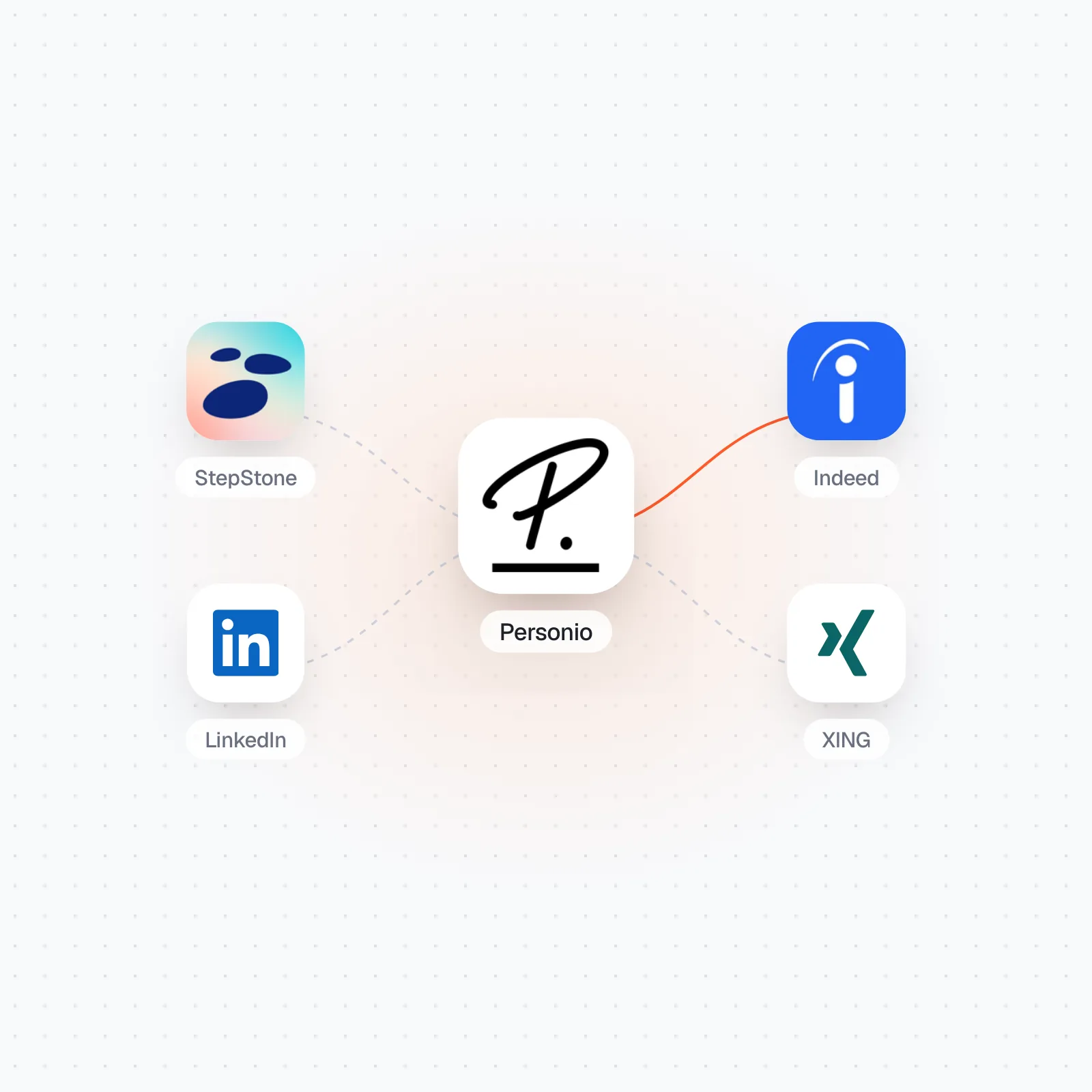
Three ways of segmenting work well in practice. The first is by geography, meaning federal state (Bundesland), city or region. The second is by job type, such as administrative roles, field sales or roles in stores and branches. The third is by urgency, which separates an always-on baseline of postings from acute push campaigns for especially urgent positions. If you add jobs to a running campaign or remove them, Indeed redistributes the remaining budget across all active ads in the campaign. The Personio integration at Kini shows how to feed your Personio vacancies into a setup like this without keeping the same data in two places.
A common segmentation mistake is to group roles by organizational criteria, such as "all roles in department X". Indeed's own budget recommendation looks at factors such as job competitiveness, location and your hiring timeline. A campaign with five completely different roles in one location groups positions that compete in the same local market. A campaign with five identical roles across five locations faces different competition at every location. Mix the two and one shared campaign has to cover very different market conditions.
How does data quality in your ATS affect a campaign?
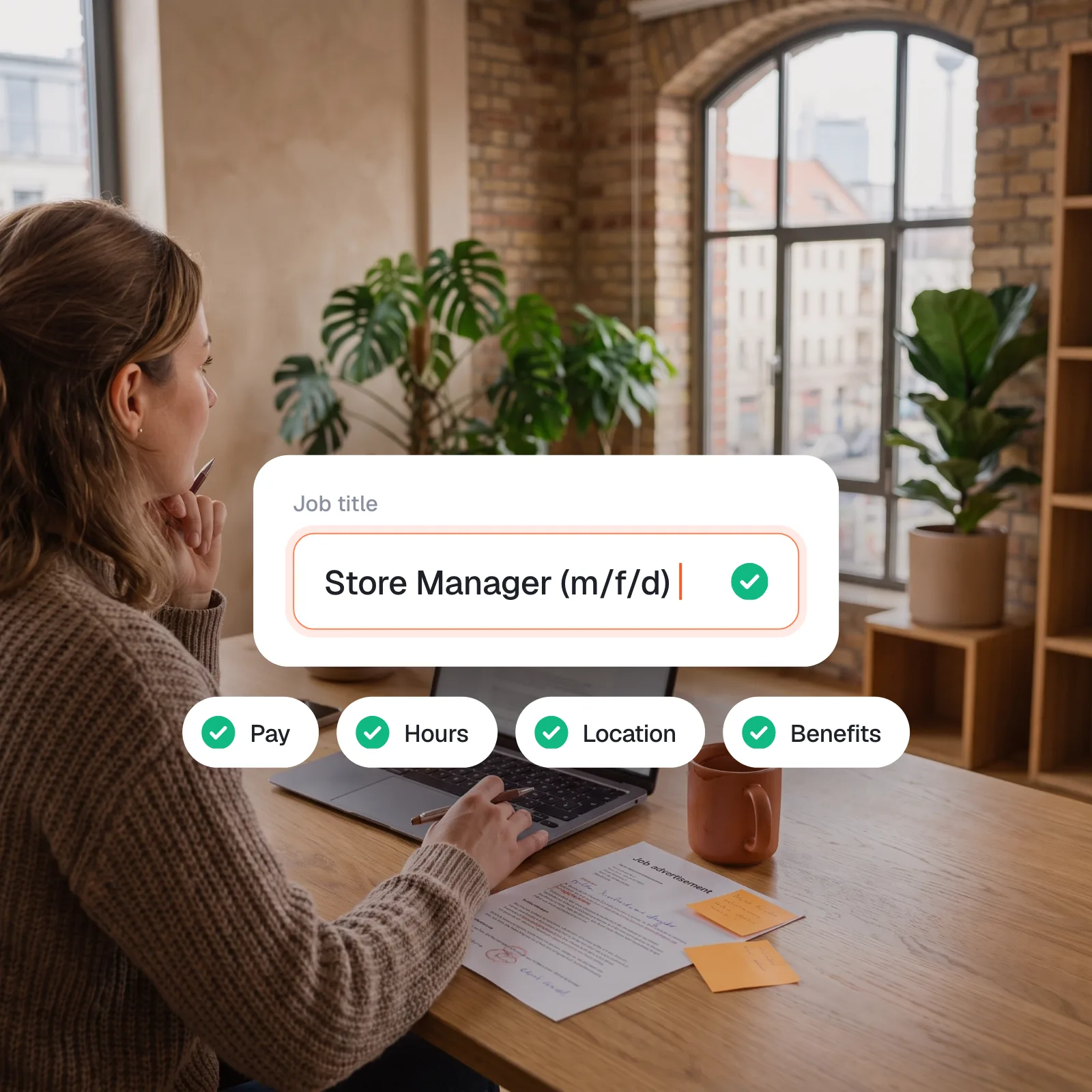
A campaign is only as good as the job data that goes into it. Suppose job titles, locations or descriptions are maintained inconsistently in the ATS, with "Sales Manager (m/w/d)" (the German male/female/diverse gender notation) one day and "Vertriebsleiter" (German for sales manager) for the same role a month later. Indeed's budget suggestion, which is based on job title, location and description, then rests on inconsistent input. This mainly affects teams that copy open roles by hand between the ATS and the job board and let small discrepancies creep in without noticing. When the sync runs automatically from a system like Personio, title, location and description stay identical across all channels, which gives Indeed's budget suggestion consistent input.
How does Indeed bill: per click or per application?
Which billing model applies depends on the budget type, not on the visibility tier. With a daily budget, you pay for each click on the ad (pay per click). With a monthly budget, you pay only once someone starts the application process (pay per started application). According to Indeed, both models are available depending on market and contract. The recruiting glossary entry from mein-helix.de on cost per application explains the principle behind it: showing the ad costs nothing in itself, and you pay only when someone takes the action.
| Model | When you are charged | Typical budget |
|---|---|---|
| Pay per click (PPC) | For every click on the ad | Daily budget |
| Pay per started application (PPSA) | Only once an application is started | Monthly budget |
The difference goes beyond bookkeeping. Reviews on Capterra criticize the classic click model for the problem PPSA avoids: you pay for clicks that never turn into qualified applications. The pay-per-application model reduces that risk, because the cost is tied more closely to the actual result than it is with pure pay-per-click.
Which setup fits which situation?
Free ad, Premium and Premium Plus are three visibility tiers. Single posting and campaign are the two ways to apply those tiers to your open roles. The decision guide below covers the most common cases.
| Situation | Recommendation |
|---|---|
| One single role, with its own budget | Single posting, Premium |
| Several open Premium roles, limited overall budget | Campaign with a separate budget for each ad |
| Role especially hard to fill or urgent | Premium Plus with the "Urgently Hiring" label |
| Many similar roles across several locations | Campaign with geographic segmentation |
| Seasonal peaks or a sudden need for staff | Campaign with several Premium ads |
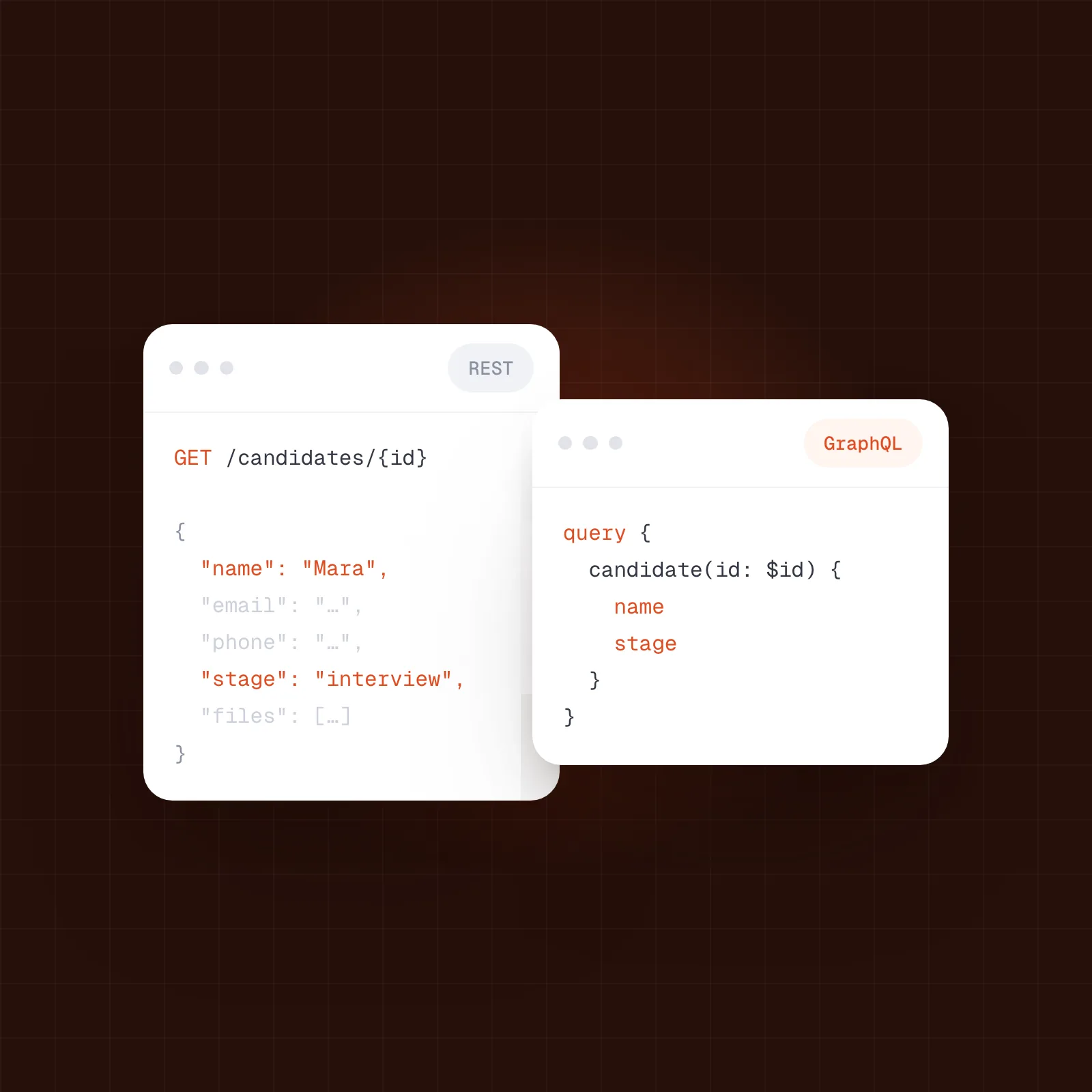
With several roles to fill, a cleanly segmented campaign almost always does better than a string of uncoordinated single postings, if only because you set and track the budget for every ad in one campaign dashboard. How the data behind a setup like this flows technically between the ATS and the job board is covered in our comparison of REST and GraphQL for ATS integrations. And our guide to writing job ads explains how to set up the ad itself so it performs as well as it can at every visibility tier.
What should be on your checklist before your next campaign?
- Number of open Premium roles confirmed: is a campaign worth it, or is a single posting enough?
- Segmentation decided: by geography, by job type or by urgency
- Budget type chosen deliberately: a daily budget with pay per click, or a monthly budget with pay per started application
- Budget set for each ad in the campaign, as a monthly recurring or one-time campaign
- Checked whether Premium Plus with the "Urgently Hiring" label makes sense for especially urgent roles
with your stack?


Want your open roles to reach job boards without copying them over by hand? Kini connects your ATS to the channels: jobs go out through the Kini Shop to 1,500+ job boards, and applications come back on the same layer. If you would like someone to take a look, talk to our team. No pitch, just an honest look at your setup.