
Introduction
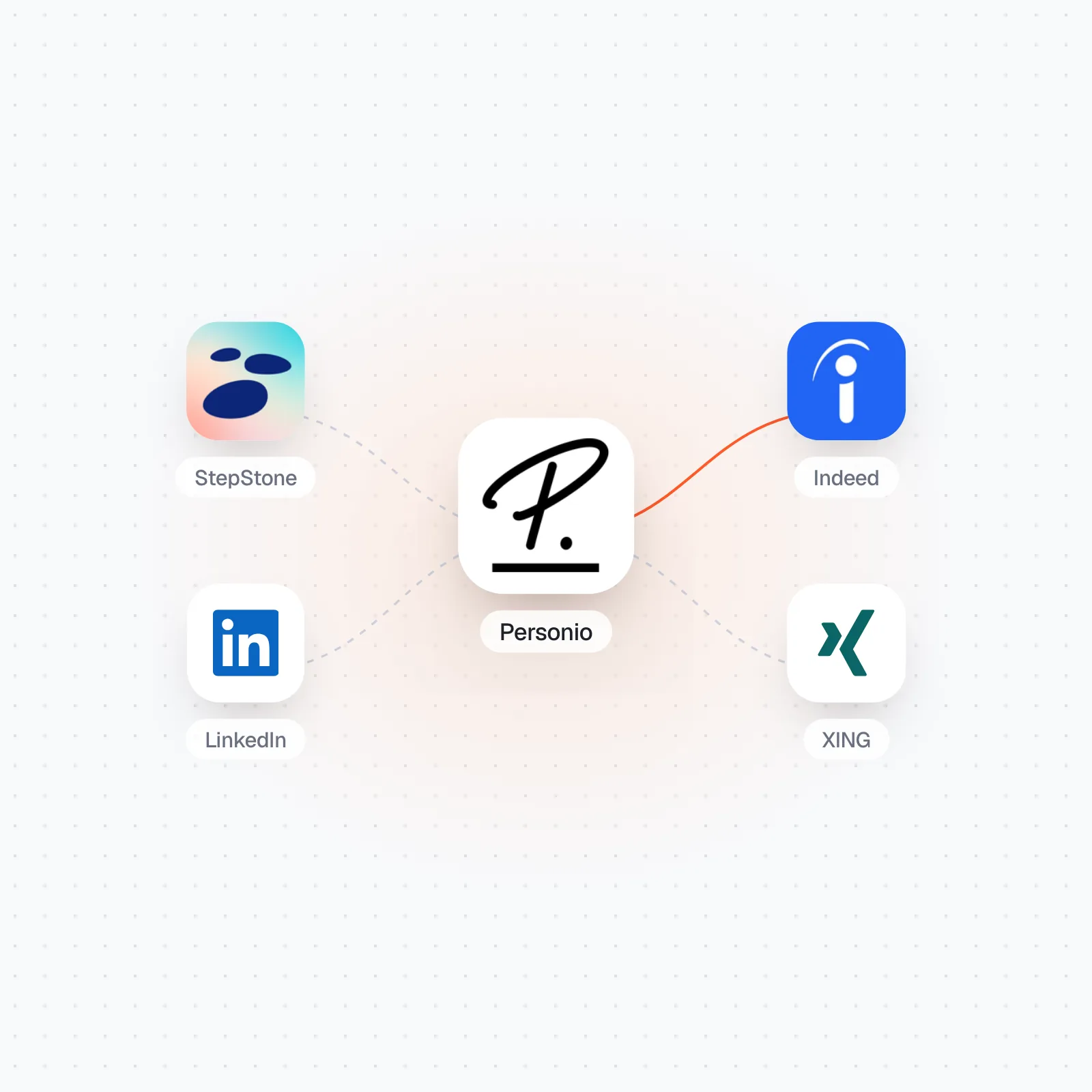
You run Personio as your ATS, and four channels keep coming up in every hiring-manager conversation: StepStone, Indeed, LinkedIn, and XING. Each one has its own idea of how a job should arrive, how an application should travel back, and who is even allowed to build the connection. What most mid-market teams end up with is a patchwork — one board wired through a multiposting partner, one through a native button, one through a shared spreadsheet that a working student updates on Fridays.
This guide is for HR-Ops leads, Heads of Talent, and recruiting managers at DACH companies of 200-2,000 FTE who keep Personio as system of record. It covers the three routes data can take out of Personio, what each of the four channels requires on its own side, the four places these connections break, and the GDPR and EU AI Act documentation you need before a channel goes live.
TL;DR
- Personio offers three separate routes out: a credential-free XML job feed, the Recruiting API with a per-account access token, and the Personnel API using
client_idandclient_secret(Personio Developer Hub, Aug 2026). - Indeed no longer wants XML for new builds: the Job Sync API is a GraphQL interface to create, upsert, expire, and check the status of postings (Indeed Partner Docs, Aug 2026).
- Indeed postings take 1–2 hours to publish and index, and they never expire on their own — an explicit API call closes them, with a 30-day window to reactivate (Indeed Partner Docs, Aug 2026).
- LinkedIn is the slowest gate. Recruiter System Connect is limited to developers approved by LinkedIn, needs a signed API agreement, and expects a working Job Posting integration first (LinkedIn Talent Solutions, Apr 2026) — and that Job Posting API is now closed to new partnerships (LinkedIn Talent Solutions, Jun 2026).
- Personio routes its own multiposting through GoHiring, which lists over 1,000 recruiting channels and three connection methods: email automation, XML feeds, and API (GOhiring, Aug 2026).
- Attribution is first-touch in most systems. A candidate who first lands from LinkedIn stays a LinkedIn candidate even when a later click carries your own UTM tag (Workable, Aug 2026).
What does Personio actually hand you to integrate with?
Three routes, with three different authentication models. Which one you pick decides how much of the work lands on your side, so settle this before you talk to any board.
The XML job feed is the simplest and the most often misunderstood. Current open positions are published under myaccount.jobs.personio.de/xml, and no credentials are needed to read it. The documented payload carries id, subcompany, office, department, recruitingCategory, name, jobDescriptions as an array of name and HTML value pairs, plus employmentType, seniority, schedule, yearsOfExperience, keywords, occupation, occupationCategory, and createdAt (Personio Developer Hub, Aug 2026). Note what the documented field list does not contain: no salary range, no application deadline, no board-specific category code. Any board wanting one of those needs it supplied elsewhere.
The Recruiting API covers the return leg — retrieving open positions and posting applications back into Personio. Its access token works differently from the rest of the platform: the token for the recruiting API is predefined for each account, whereas the Personnel API endpoints for employee, attendance, absence, custom reports, and webhooks use a client_id and client_secret pair generated through a custom integration. Personio is explicit about where that credential must never live:
"we strongly discourage implementations, that are running on a user's browser, since it is considered an unsafe environment where credentials can easily leak to malicious actors."
Personio Developer Hub, August 2026
That rules out the quickest-looking option, a snippet on the career page that pushes applications straight from the visitor's browser.
| Route | What it gives you | Authentication | Where it fits |
|---|---|---|---|
| XML job feed | Open positions with office, department, recruitingCategory, employmentType, seniority, schedule, occupationCategory, createdAt | None — the feed is public | Career pages, aggregators, boards that accept a feed URL |
| Recruiting API | GET open positions, POST applications into Personio | Access token predefined per account | Apply-to-ATS flows where the board hands over the application |
| Personnel API | Employee, attendance, absence, custom reports, webhooks | client_id and client_secret from a custom integration | Post-hire handover, headcount reporting |
How do StepStone, Indeed, LinkedIn, and XING each want to be connected?
Very differently, and the differences are commercial as much as technical. Two of the four gate you on approval rather than on engineering effort.
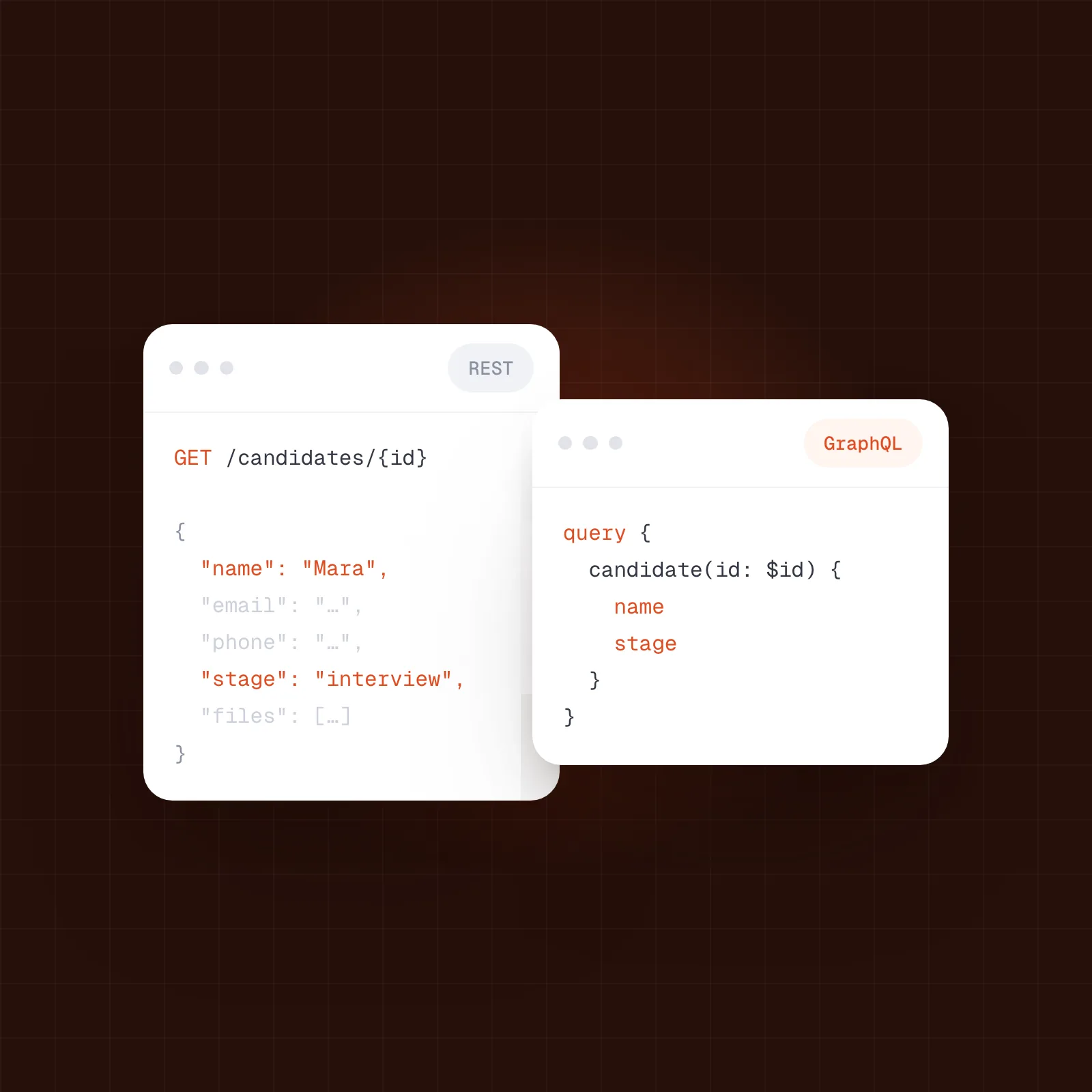
Indeed has moved new integrations onto a GraphQL interface. The Job Sync API lets ATS partners create, upsert, expire, and check the status of postings, and the documentation is direct about which path to choose:
"The API supports the same capabilities as the Indeed Apply XML feed, so use it instead of building an XML integration."
Indeed Partner Docs, August 2026
The operational details matter more than the protocol. A new posting takes 1–2 hours to publish and index. Jobs do not expire automatically — you call the API to expire them. A job can be reactivated within 30 days of expiry, and its sourcedPostingId usually survives, but it can change once a job has been expired for longer than 30 days. Up to 100 jobs fit in one request, though Indeed recommends creating one per request because of HTTP request size limits, and each client is assigned a tier and rate limit rather than a published global number.
LinkedIn is the longest path. Recruiter System Connect synchronises candidate information between an ATS and LinkedIn Recruiter, giving you the In-ATS indicator, One-Click Export, Rediscovered Candidates, InMail history retrieval, and the enhanced profile widget. Before any of that, a working Job Posting integration has to exist — and LinkedIn is not currently accepting new partnerships for that API, directing new applicants to Apply Connect instead (LinkedIn Talent Solutions, Jun 2026). All requests use two-legged OAuth, applications must be managed exclusively through the Middleware Platform endpoints, and the scope is split into five development modules, each with test cases to be demonstrated in a certification meeting. Access is not self-service:
"The use of these APIs is restricted to those developers approved by LinkedIn."
LinkedIn Talent Solutions, April 2026
A partner ATS also has to store a Client ID, Client Secret, Organization URN, and Contract URN for every single customer it onboards.
StepStone puts the work on the ATS side. Its apply integration delivers finished applications straight into the customer tenant and supports text, date, numeric, select, multi-select, attachment, and branching screening questions. The publicly documented setup, written for Workday, runs to 16 configuration steps covering recruiting source configuration, an integration user, security groups, domain permissions, OAuth authorisation, and endpoint configuration (StepStone API knowledge base, Aug 2026).
XING is a commercial relationship more than a developer one. Recruiting on XING runs through onlyfy, described as part of the XING recruiting solutions, working independently with access to 900+ job boards and surfacing candidate suggestions from over 21 million XING profiles (onlyfy, Aug 2026).
| Channel | How the job gets there | How the application returns | The gate to pass |
|---|---|---|---|
| Indeed | Job Sync API (GraphQL): create, upsert, expire, check status | Indeed Apply, matching the legacy Apply XML feed capabilities | A partner tier and rate limit assigned per client |
| Job Posting API, built first — closed to new partners | Recruiter System Connect via the Middleware Platform | Approval by LinkedIn, a signed API agreement, certification per module | |
| StepStone | Job posted to the board, apply flow mirrored from the ATS | Applications land directly in the customer tenant | An ATS-side configuration project — 16 documented steps for Workday |
| onlyfy, with access to 900+ job boards | Handled inside the onlyfy application manager | A commercial onlyfy agreement rather than developer approval |
Should you multipost, use native connectors, or build it yourself?
For most mid-market Personio teams the honest answer is a mix, and the deciding factor is how many channels you run rather than how technical your team is.
Personio does not operate its own board network. Multiposting runs through GoHiring as Personio's posting partner, which lists over 1,000 recruiting channels and offers three connection methods — email automation, XML feeds, and API (GOhiring, Aug 2026). That covers reach. What it does not cover on its own is the return leg: a posting partner puts your job out, while the application, the screening answers, and the attribution still have to arrive in the right Personio fields.
| Your situation | Multiposting partner | Native or direct connector | Your own integration |
|---|---|---|---|
| Number of channels | 5 or more, changing per role | 2–4 stable channels | 1–2, with unusual requirements |
| Who maintains it | The partner, under a commercial contract | Split between the board and your ATS vendor | Your engineers, permanently |
| Screening questions | Often reduced to a common denominator | Full types where the board supports them, such as branching questions | Whatever you build and keep building |
| Approval effort | Handled by the partner | Yours for LinkedIn, low for the others | Yours, including LinkedIn certification |
| Attribution control | Partner-defined source values | Board-defined source values | Yours, if you design it first |
| Realistic setup | Days | 4–8 weeks across four channels | 8–12 weeks plus ongoing maintenance |
A Personio connectivity layer sits in the middle column and removes the split ownership: your ATS stays the system of record, job distribution and the candidate return path are operated for you, and your engineers do not carry a per-board maintenance backlog. This is the category we call Managed Recruiting Connectivity — not an iPaaS, not a unified API aimed at developers, but an operated layer for recruiting teams.
Where do these connections actually break?
Four places, and none of them announce themselves on go-live day.
Field mismatch. The Personio feed publishes occupation, occupationCategory, and recruitingCategory. Boards each run their own taxonomy, and none of them is a one-to-one match. Wrong category means the posting appears in the wrong search filter, and nobody notices for weeks because the job is technically live. Fix it by mapping every category value explicitly, in writing, before the first posting goes out.
Expiry drift. A recruiter closes a role in Personio. If nothing calls the Indeed expire operation, the posting stays up. You keep paying attention, and applications keep arriving for a role that has been filled. The 30-day reactivation window is also the point at which the sourcedPostingId can change, which quietly breaks any reporting keyed on that identifier.
The screening-question round trip. StepStone supports branching questions. Personio has no equivalent structure to receive a branching path, so the answers arrive flattened, usually into a notes or attachment field. Recruiters then re-read free text that used to be structured data. Decide before launch which questions genuinely need to be structured in Personio, and ask only those on the board.
Approval timing. LinkedIn certification is a scheduled meeting with demonstrated test cases, not a form submission. Teams plan a four-channel launch as one project and discover that three are live while the fourth waits on a partner conversation. Sequence LinkedIn first.
with your stack?


How do you keep source attribution intact across four channels?
By deciding, before launch, which system is allowed to be the source of truth — because most systems apply first-touch attribution and simply overwrite nothing afterwards.
The rule catches teams out in a specific way. A candidate finds your role on LinkedIn, clicks through, and applies. Their source is recorded as LinkedIn, even if a later visit carries a UTM-tagged link of your own:
"If a candidate's first visit to the job description and application comes from a different source, they will not be tracked via the UTM link. For example, if a candidate finds your job on LinkedIn and clicks to apply, their source will be recorded as LinkedIn."
Workable, August 2026
Three practical consequences for a Personio setup. First, if a board hands over its own source value through an apply integration, that value wins over any UTM parameter on the link, so agree per channel which one you accept. Second, UTM tagging is only meaningful on click-through postings where the candidate reaches your career page; on apply-in-place channels there is no page visit to tag. Third, keep one vocabulary — stepstone, indeed, linkedin, xing — and enforce it at the point where data enters Personio, not in the reporting layer afterwards.
What do GDPR and the EU AI Act ask you to document?
More than most teams have written down, and the awkward part is that the obligation stays with you rather than moving to the board or the connector.
GDPR Article 17 gives the data subject the right to obtain erasure without undue delay, and obliges the controller to erase without undue delay where one of six grounds applies — among them that the data is no longer necessary for its original purpose, that consent has been withdrawn with no other legal basis, or that processing was unlawful (EU GDPR, Art. 17, Aug 2026). A job-board connection creates copies. An application that arrived through StepStone or Indeed exists in Personio and, in some form, on the board. Write down, per channel, who deletes what and on what trigger. A deletion that stops at your ATS boundary is not a completed deletion.
The EU AI Act matters here because recruiting is named directly. Recruitment, selection, targeted job advertising, candidate evaluation, and performance monitoring fall under the high-risk classification, and deployer duties include risk assessment, technical documentation, bias testing, human oversight, transparency, and continuous monitoring. The timeline shifted in July 2026: Regulation (EU) 2026/1744 deferred the main obligations for standalone Annex III high-risk systems, employment among them, to 2 December 2027, leaving Article 50 transparency duties on 2 August 2026 (Hunton, Aug 2026). Responsibility does not travel with the software:
"You cannot pass your compliance obligations to a technology partner any more than you can under the GDPR."
EU Artificial Intelligence Act, August 2026
Practically: if a channel ranks, scores, or targets candidates on your behalf — matching suggestions, audience targeting on a sponsored posting — ask the vendor for technical documentation and bias-testing results, and keep the answer on file next to the connection itself.
A two-week plan for the first two channels
Two weeks is realistic for two channels if you accept that LinkedIn will not be one of them.
- Days 1–2 — Inventory. Open your Personio XML feed and read it. List every field that is populated, every field that is empty, and every board attribute you will need that the feed does not carry.
- Days 3–4 — Map categories. One row per
occupationCategoryandrecruitingCategoryvalue, one column per target board taxonomy. Unmapped values get a default, and the default is written down rather than assumed. - Days 5–6 — Decide the source vocabulary. Four lower-case values, one owner, one rule for which system wins when a board sends its own.
- Days 7–8 — Connect the first channel end to end. Post a test role. Wait the full 1–2 hours for Indeed indexing before declaring anything broken. Apply as a candidate. Confirm the application lands in Personio with the screening answers attached.
- Days 9–10 — Write the close-out path. Close the test role in Personio and verify the posting actually expires on the board. This is the step teams skip.
- Days 11–12 — Second channel, same sequence, reusing the mapping document.
- Days 13–14 — Document for compliance. Per channel: what personal data crosses, on what legal basis, who deletes it, and which AI features the vendor operates. Start the LinkedIn partner conversation now, because it will outlast this plan.
What to do next
Three things worth doing this week, whichever route you end up choosing:
- Read your own XML feed. Most teams have never looked at it and are surprised by which fields are empty.
- Check one closed role on each live board. If a filled role is still collecting applications, you have expiry drift already.
- Write down the source vocabulary before you add the next channel, not after.
If you would like a second opinion on how your Personio channels are wired, a short conversation with our team is usually enough to tell whether this is a mapping problem or a connectivity problem.